
indibet casino apps with free spins combine a downloadable or browser-based casino interface with promotional spin credits, so the first step is understanding what the offer actually contains. The operator’s official pages at indibet2027.com are the sensible starting point for confirming which app route and spin feature currently apply to your account. Treat every promotional detail as conditional until you have checked the current terms yourself.
Contents
Understanding indibet casino apps with free spins
Start by separating the two ideas bundled into this phrase: the app is the delivery channel, while free spins are a promotional mechanic attached to it. The app may be a native download or a browser session, and the spins may arrive as a sign-up incentive, a deposit-linked reward, or a loyalty benefit.
Which structure applies to you depends on your account status and the promotion live at the time you register or qualify, so read the specific offer rather than assuming a standard package.
Next, identify what the spins are worth in practice. A spin is usually tied to a nominated set of games, and the outcome of each spin is determined by the game’s random number generator rather than by the app.
The app simply carries the credit and records the result. Because game libraries and promotional catalogues change, confirm the eligible titles inside the promotion description before you play, and check whether unused spins expire after a stated period.
Think carefully about eligibility before you invest time in setup. Promotions of this kind commonly carry conditions such as account verification, a minimum deposit, a geographic restriction, or a once-per-person limit. None of these should be assumed; they vary by market and by campaign.
Your practical check is to open the promotion’s own rules page and look for the qualifying criteria, then compare them with your own circumstances. If something is unclear, ask support before claiming rather than after.
Distinguish between the app experience and the promotional wallet. The app lets you log in, browse games, and manage your account; the spin credit sits in a separate promotional balance that the app displays.
Keeping these two ideas apart helps you notice when spins appear, when they are consumed, and when they lapse. It also stops you from mistaking a general app feature for a guaranteed reward, which is a common source of disappointment when expectations are built on marketing summaries rather than terms.
Finally, adopt a verification habit. Operator features, app availability, and promotion mechanics are not permanent, and a description that was accurate last month may not match today’s configuration. Treat any guide, including this one, as orientation rather than confirmation.
The authoritative source is the operator’s current terms and in-app notices. Where a detail matters to your decision, such as whether spins are wager-free or carry playthrough, verify it directly before proceeding.
Read the Indibet Casino Apps With Free Spins Terms
Begin with the qualification clause, because it determines whether the offer is available to you at all. Look for language about who may participate, what account state is required, and whether the promotion is limited to new customers or specific account tiers.

Read the definitions section too, since terms such as “qualifying deposit” or “eligible game” often carry a narrower meaning than everyday usage suggests. Note anything you do not understand and resolve it before claiming.
Then examine the spin mechanics as written. The terms should state how spins are credited, where they can be used, and what happens to them over time. Pay attention to wording about expiry, because a short validity window changes how you should plan your play.
Check whether spins are awarded automatically or require activation, and whether they are tied to a particular game category. These details are usually buried in the promotion’s specific conditions rather than the general site terms.
Wagering and withdrawal conditions deserve a slow, careful read. Promotional winnings frequently carry playthrough requirements, contribution rules that vary by game, and caps on how much can be converted. The terms may also set a maximum stake while a bonus is active.
Do not assume any figure; read the stated requirement and consider whether you can realistically meet it. If the conditions make the reward impractical for your style of play, that is useful information rather than a reason to complain later.
Look at the practical restrictions attached to the app itself. Terms may address device compatibility, supported operating systems, location checks, and whether the promotion works across both app and browser sessions.
They may also describe what happens if you uninstall the app, switch devices, or log in from a new location. These clauses matter because a promotion can be technically valid yet unusable on your hardware, and the terms are where that limitation is disclosed.
Finish by noting how disputes and changes are handled. Good terms explain how the operator may amend or withdraw a promotion, what notice is given, and how complaints are raised. Record the date you read the terms, because versions change.
Where a feature or eligibility point is central to your decision, confirm it with the operator’s current published terms rather than relying on a summary, and keep the confirmation for your own reference.
Check Game and Device Compatibility
Before you count on any promotion inside indibet casino apps with free spins, confirm that the games attached to it can actually run on your device. Spin offers are usually tied to specific titles or game categories, and a slot you enjoy may not be part of the eligible set.
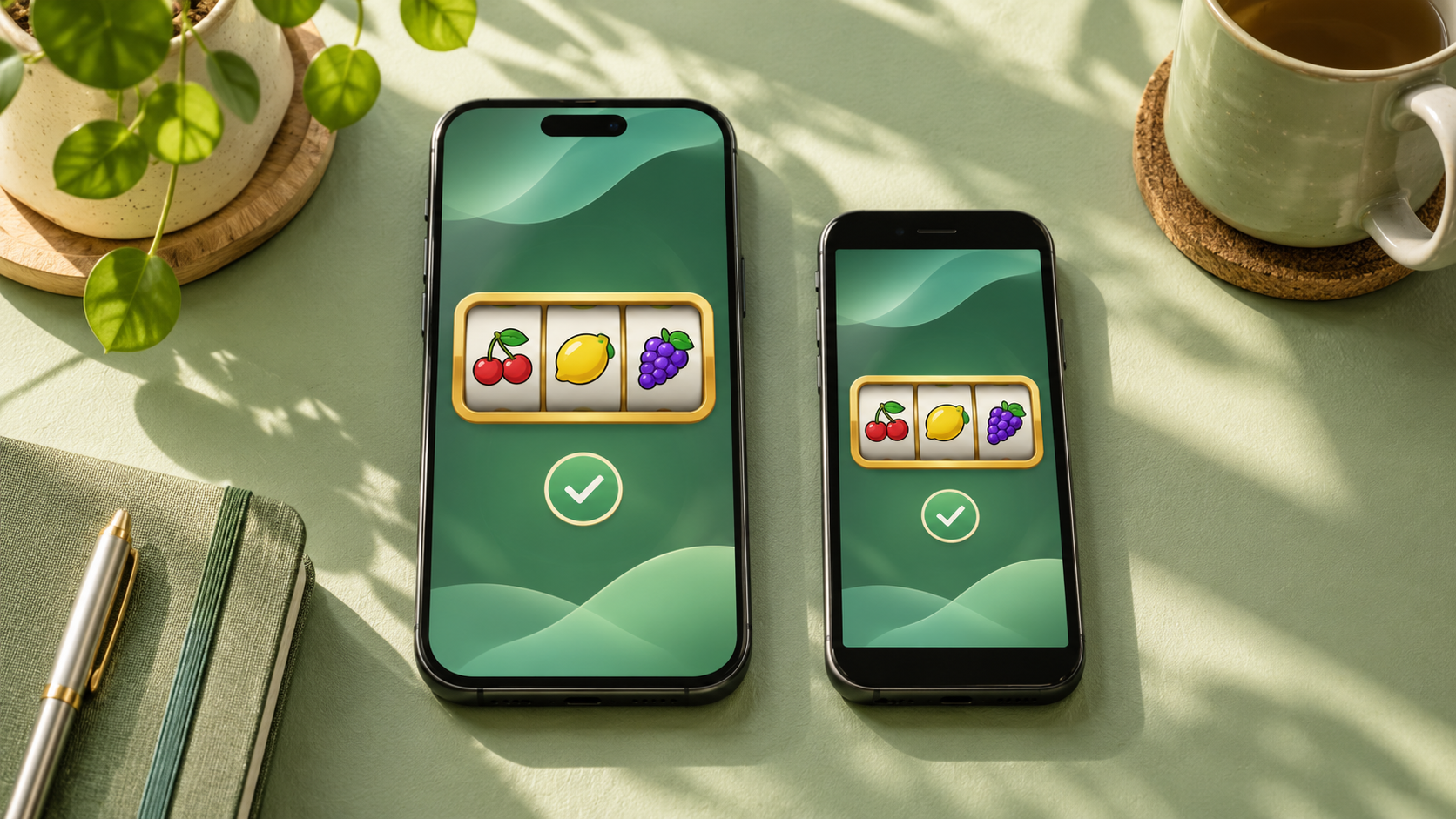
Open the promotion details and note which games are named, then check whether each one appears in the app's lobby on your phone or tablet. If a title is missing or marked as unsupported, treat the spins as unusable on that device until the operator confirms otherwise.
Device performance matters as much as game eligibility. Older handsets, limited memory, or an outdated operating system can cause supported games to load slowly or fail mid-round. Look at the app's stated system requirements and compare them with your device before opting in.
Where the promotion requires a particular game mode, such as landscape orientation or a specific feature within a title, test that mode with a practice session first. A game that opens but stalls during bonus features may put your spins at risk.
Account-level checks belong in this step too. Some spin offers are limited to particular account types, regions, or verification states, and eligibility can differ between new and existing customers. Read the promotion text for any restriction on who may participate, and confirm your profile meets it before you accept the offer.
If the wording is ambiguous about country or account status, ask support for written confirmation. Keep that reply, because eligibility disputes are easier to resolve when you have the operator's own explanation.
Beware of assumptions about cross-device use. A promotion that works on one phone may not carry over to a tablet or a different operating system, and progress on eligible games might not sync between them.
Decide which device you will use for the offer and stick with it for the duration. If you must switch, check whether the promotion terms allow it and whether your remaining spins follow the account or stay tied to the original device. Never assume the spins will appear elsewhere.
Finally, separate compatibility from availability. A game can be compatible with your device yet excluded from the promotion, and an eligible game can be unavailable in your region. These are different obstacles with different fixes, so diagnose which one you face before contacting support.
Note the game name, your device model, the app version, and the exact message you see. That detail helps support give you a useful answer rather than a generic reply, and it documents what you checked if the issue continues.
Find the Spin Wallet Within the App
Free spins in a casino app are usually held in a dedicated area rather than mixed into your main balance, so knowing where that area lives saves confusion later. Open the app's account or profile menu and look for sections labeled bonuses, promotions, rewards, or active offers.
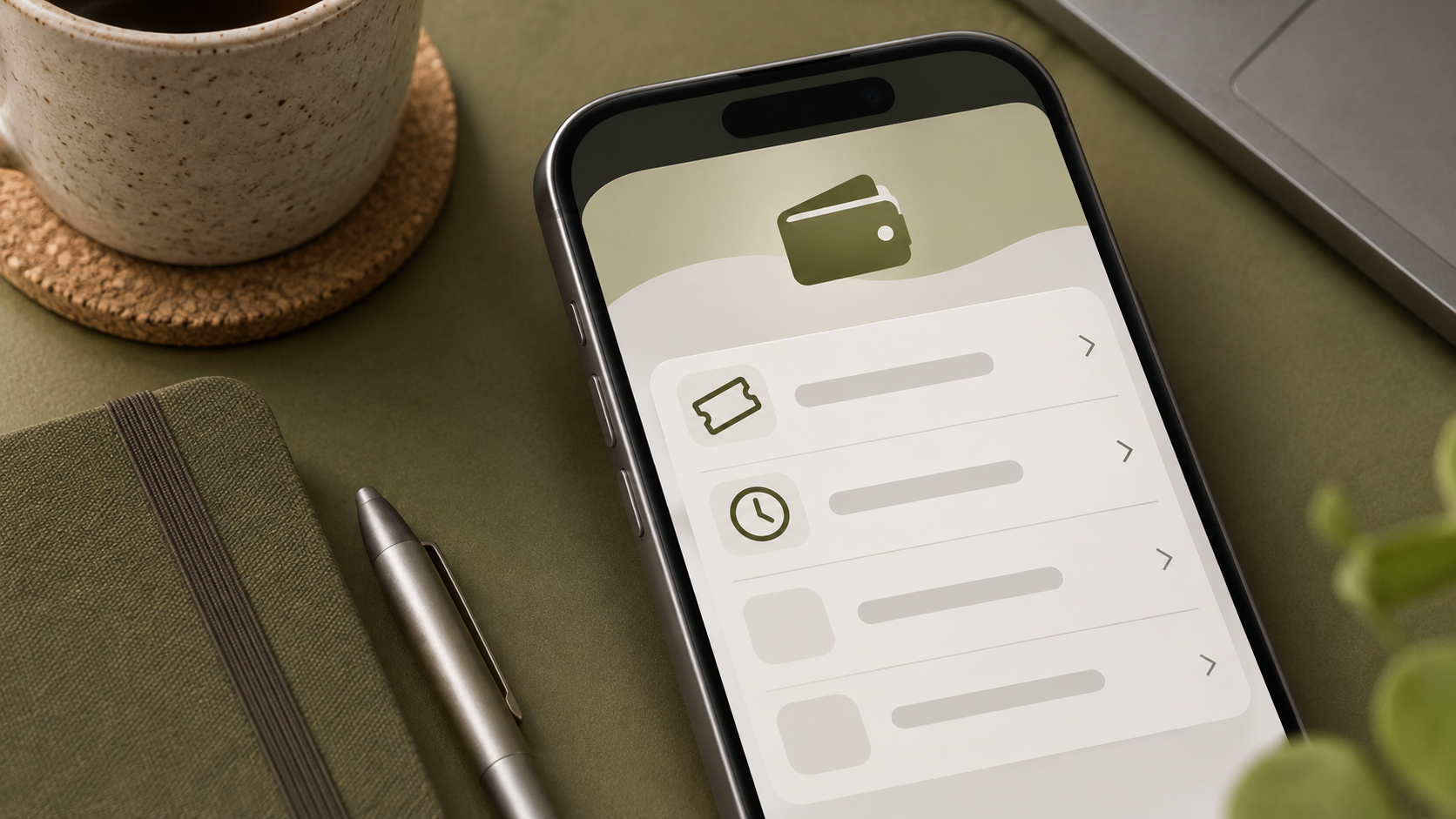
The exact wording varies between app versions, and a label you saw in a screenshot may not match what your installation shows. Scan the whole menu rather than stopping at the first plausible option, and note the path you took so you can return quickly.
Once you locate the relevant area, read what it displays before tapping anything. A spin wallet typically shows the number of spins available, the games they apply to, and any expiry date or condition attached to them.
Compare that display with the promotion text you read earlier. If the numbers or game names differ, pause and seek clarification rather than spending the spins, because using them may be treated as acceptance of the terms as shown in the app.
Timing is a common source of frustration. Spins may appear only after a qualifying action, and the app might need a refresh or a fresh sign-in before the balance updates. If the promotion says spins are credited automatically, give the app a reasonable chance to reflect that before assuming something went wrong.
Where credit is described as manual or subject to review, expect a delay and check the wallet again later. Do not repeat a qualifying action hoping to force the spins through, as duplicate attempts can complicate your account.
Distinguish between spins that are ready to use and spins that are pending. Some wallets display locked or pending entries alongside usable ones, often with a short explanation. Read that explanation carefully, because it may point to a verification step, a deposit requirement, or a game restriction you have not yet met.
Only the usable entries can be played. If the wallet offers no explanation for a pending entry, contact support with a screenshot showing the status and the date you first noticed it.
Keep a simple record of what the wallet shows each time you check it. Note the date, the number of spins displayed, and any status labels. This habit helps you spot changes after an app update and gives you evidence if spins disappear unexpectedly.
Remember that wallet displays are not contracts; the operator's current terms govern how spins are issued, used, and expired. When the display and the terms seem to conflict, ask for written clarification before playing, and rely on the reply rather than on your memory of either screen.
Recover the Session After an App Interruption
An interruption can arrive in many forms: an incoming call, a low battery warning, a forced app closure, or a brief loss of connectivity. What matters is not the cause but the state of your session when you return.
Most reputable apps attempt to restore your previous screen, but restoration is not the same as confirmation. Treat the moment of return as a checkpoint, not a resumption of trust. Before you tap anything, pause and observe what the app shows you.
First, confirm that you are signed in to the correct account. Some apps log you out after a longer interruption and present a fresh sign-in screen, while others resume silently. If the app asks for credentials again, complete the sign-in normally rather than assuming a remembered login.
Then check whether any game you had open is still active or has been closed. A restored game screen can look identical to a live one, so look for clear indicators such as a balance display, a status label, or a prompt to resume.
If the interruption happened during a spin or a hand, do not repeat the action until you understand what the app recorded. Duplicating an action because the screen froze can create confusion when you later review your activity.
Use any built-in history or activity view to see whether the previous action was logged. Where the app offers a refresh or reload control, prefer that over closing and reopening repeatedly. Your aim is a single clean recovery, not a series of half-completed attempts that obscure what actually happened.
Connectivity deserves its own check. If you moved between networks during the interruption, the app may show stale information until it reconnects. Wait for any syncing indicator to settle, then compare the visible balance with the last figure you remember.
A small difference may simply reflect an action that completed while the screen was asleep. If the difference seems larger than the actions you took, stop and use official support channels rather than continuing to play while uncertain. Current terms should explain how disputes and session records are handled.
Finally, note anything unusual in plain language while it is fresh: the time, the screen you saw, and the message displayed. This record helps if you later need to ask support about a missing or duplicated action. Do not rely on memory alone after a disrupted session.
Once the app appears stable and your activity view matches your recollection, you can continue with normal caution. If it does not match, resolve the discrepancy before placing further actions, because clarity now prevents doubt later.
Check the Spin Ledger After an Update
Updates can change how an app displays history, and a familiar ledger may move, rename columns, or load differently. After any update, open the spin ledger deliberately rather than waiting for a problem to force you there.
Your goal is to confirm that the record still reflects what you expect: completed spins, any free spin allocations, and the resulting balance changes. A quick review now makes later discrepancies easier to spot and easier to describe accurately to support.
Begin by locating the ledger in its new position. Menus are often reorganised during updates, so scan the account, history, or promotions areas rather than assuming the old path. Check that the date range shown covers a period you remember clearly, and adjust the filter if needed.
Then verify that entries are ordered sensibly and that each row includes the details you rely on, such as the game name, the time, and the outcome recorded. If a column appears empty, confirm whether it is still loading before drawing conclusions.
Pay particular attention to free spin entries. An update may merge them with ordinary spins or give them a separate tab. Confirm that any free spin you used appears once, not twice, and that the associated balance change matches your recollection.
If the ledger shows a free spin as pending or missing, do not attempt to reuse it until the record is clear. Current terms should describe how free spin allocations are recorded and what to do when a display looks inconsistent.
Compare the ledger against your own notes from before the update, if you keep any. Even a rough record of recent activity is more reliable than memory alone. If the numbers reconcile, you can proceed with confidence.
If they do not, capture screenshots where the app permits it and note the specific entries in question. Avoid making further spins purely to test whether the ledger corrects itself; that muddies the record you are trying to verify. Resolve the question through official support instead.
After the review, decide whether the updated app still meets your expectations. A changed layout is not inherently a problem, but a ledger you cannot read or reconcile is worth raising. Keep your checks proportionate: a brief look after each update is usually enough, and a deeper review is warranted only when something seems off.
Where eligibility, features, or records need verification, refer to the operator's current terms rather than older guidance. Gambling is for adults aged 18+ only. A random number generator (RNG) determines outcomes in RNG-based casino games. Wins are not guaranteed.
Independent support: Gambling Therapy.