

A small screen can hide the detail that matters: the last words of a cricket selection, the currency beside a balance or the rule below a game title. Indibet includes mobile play, and a useful phone routine starts by opening those details before making a decision.
This guide focuses on navigation, readable game information and privacy on a phone. It also explains how to check an unfamiliar download link without assuming that a familiar logo proves who published the software.
Start with the category you need
Choose your topic before opening several tabs. Indibet covers cricket, Teen Patti, Andar Bahar, Rummy, slots and live casino. A cricket score question belongs with the fixture information; a bonus question belongs with the offer terms. Keeping that purpose clear makes the next page easier to judge.
On this website, use the article title and category links to move between guides. Read a search result’s description before opening it. When several pages mention INR, choose the payment guide for transaction records and the bonus guide for promotional conditions.
Expand shortened game and fixture names
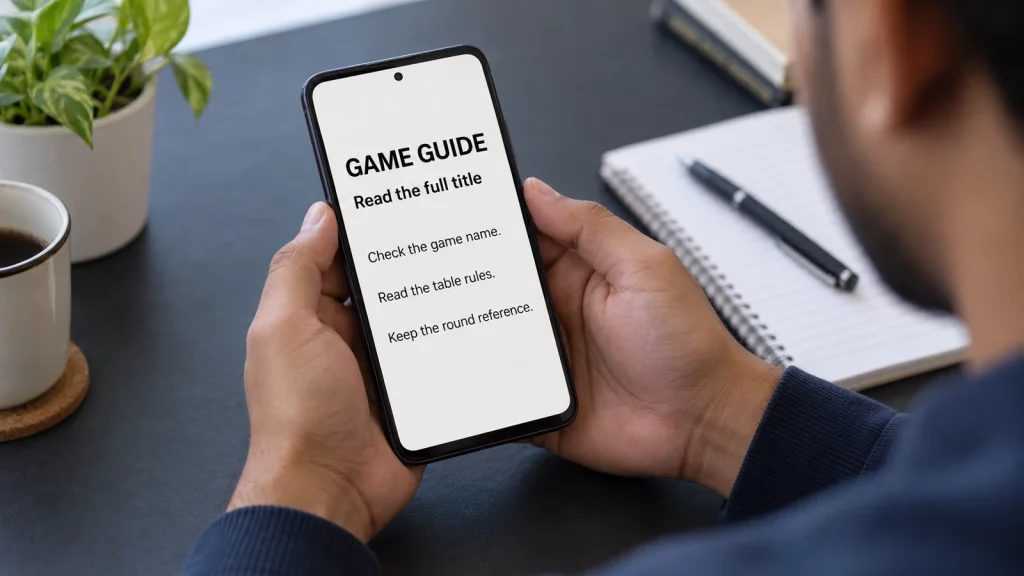
Open a truncated title rather than guessing its ending. A game variant can have different rules from another game in the same family. A cricket selection can refer to a particular innings or period that is missing from a compact card.
Check the full label each time you return from another application. The page may have refreshed or the match may have moved on. Keep the title, relevant period and status together when saving a record. A cropped number is hard to explain later.
Read the information beside the image
Use your browser’s text-size controls if a rules panel is difficult to read. Open the full help text and check table headings before comparing values. If a table scrolls sideways, keep the row label with the figure you are reading.
Editorial pictures illustrate a topic. For an actual game’s limits, paytable or round status, use the information inside that game. A generic image on an article cannot establish the controls or payouts of the version available to an account.
Give payment authorisation its own moment
Switching from a browser to a payment application can make the flow feel continuous, but read the new screen carefully. Confirm the recipient and INR amount in the payment application itself. Keep your UPI PIN private and retain the transaction reference after authorisation.
When returning to the account, check its recorded status instead of assuming the browser has already updated. Avoid repeating a transfer simply because a balance has not changed. Keep the two records and follow the process explained in the payment guide.
Check who publishes a download
If you encounter an Indibet-branded download, establish the publisher and destination through an independently checked route. Read the permissions requested and ask why they are needed. An icon, star rating or familiar colour scheme does not verify ownership.
Do not let a message about a bonus rush an installation. If the publisher or download destination is unclear, pause and verify it. Use a contact route you have checked to clarify the publisher and requested access before installing software.
Keep private records off a shared screen
Sign out when you finish an account session on a device someone else can use. Check whether the browser saved credentials and whether screenshots or downloaded records remain accessible. Closing the page alone may leave the session available.
Be aware of notifications when showing another person your phone. For a page problem, record the browser, device type and steps that led to the issue. Include only the screen area needed to explain it, with account information removed. See the Indibet account-safety guide for credential and contact checks.
Mobile questions
Can I read the guides without installing software?
These articles are web pages. Use your browser to read them and follow the topic links.
Does a short title contain the full rule?
Open the complete information panel. A compact label may leave out the variant, period or qualifying condition.
Are the login panels on this website connected to an operator account?
They are previews for this information website and do not create an operator account.
For adults 18+. T&C apply. Set a time and spending limit before a session, including time spent moving between categories.